How does an Adaptive Controller for disabled gamers work?
"The goal is not just to play, but to play in a way that feels natural to the person holding the device."
The Xbox Adaptive Controller provides enhanced accessibility by allowing players to build a custom control setup tailored to their specific physical needs.
This guide explores how to use adaptive controller settings to maximize comfort, the benefits of specialized input, and how to integrate external hardware. You will learn about hardware compatibility, the importance of custom layouts, and how to manage peripheral connections.
How does an Adaptive Controller for disabled gamers work?
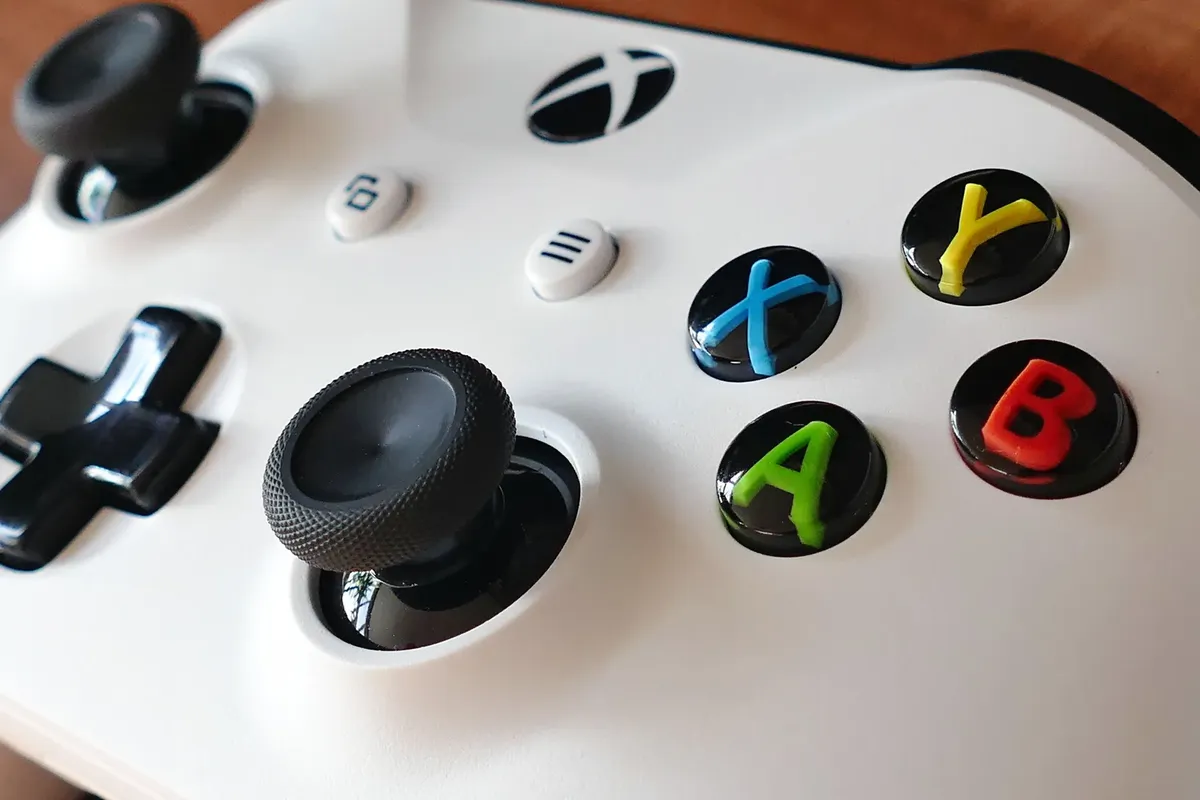
At the dark desk, he reaches out to plug in a switch to see how the hub does its work.
A player sits at a desk, carefully plugging a large button into the side of a central hub. This central device acts as the brain, translating various inputs into game commands.
An Adaptive Controller for disabled gamers functions as a customizable hub that accepts a wide range of external switches, buttons, and joystics. This controller for disabled gamers allows individuals with limited mobility to connect specialized hardware to a single interface.
By using the expansion ports, players can bypass traditional button layouts that might be difficult to reach. This flexibility ensures that the gaming experience is dictated by the user's physical capabilities rather than standard controller shapes.
The device acts as a central hub that allows users to connect various specialized switches, buttons, and joysticks to a gaming console. By mapping external inputs to standard controller functions, it enables players to navigate complex interfaces through customized physical interactions.
How do I find the best adaptive controller settings? Late at night, she twists a joystick in her palm to see how the sensitivity does react.
A user adjusts the sensitivity of a joystick, testing how much pressure is required to move a character on the screen.
Finding the best adaptive controller settings requires a process of trial and error to match the input to the user's range of motion. Start by connecting your primary switches to the hub to establish basic movement and interaction.
Next, adjust the sensitivity or repeat functions if the device allows for such customization through the console software. Finally, perform a check by playing a simple title to ensure every input registers correctly without unintended triggers.
I found that testing the responsiveness of each button individually helped prevent frustration during longer sessions.
- Start with basic button mapping to ensure fundamental movement and interaction work correctly.
- Adjust sensitivity and dead zones to match the specific range of motion available to the user.
- Layer in complex macros or multi-button combinations once the primary controls feel natural.
How do you manage an improved game control setup?
A person carefully routes cables from various foot pedals and large-surface buttons into the main unit.
Managing an improved game control setup involves organizing cables and peripherals to prevent accidental disconnections. Using the expansion ports effectively is the first step in building a reliable interface.
You should then group similar types of inputs, such as switches or joysticks, to keep the workspace organized. A final check involves ensuring that no cables are under tension, which could cause a sudden loss of input.
This organized approach prevents the hardware from becoming a barrier to the game.
Effective management involves organizing cables to prevent accidental disconnections and ensuring that all peripheral components are mounted securely. Regularly testing the responsiveness of each input ensures that the setup remains reliable during long gaming sessions.
Why should I read an adaptive input device review? A gamer compares the tactile feedback of a large button against a standard controller to see which provides better grip.
An adaptive input device review often highlights how modularity changes the gaming experience. The primary advantage is the ability to use assistive technology that standard controllers cannot accommodate.
This setup allows for much more precise control for those who cannot use traditional thumbsticks. By utilizing different types of switches, players can create a unique interface that suits their specific motor skills.
This customization transforms the console from a rigid device into a flexible tool for engagement.
A detailed review helps users understand the tactile feedback, latency, and compatibility of a device before making a purchase. It provides practical insight into how specific hardware handles different types of physical input and accessibility needs.
How to use adaptive controller components effectively?
A user plugs a headset into the module, checking the audio levels before starting a match.
Learning how to use adaptive controller components effectively begins with understanding the different connection ports. Follow these steps to set up your peripheral ecosystem:
- Connect the main hub to your gaming console using the appropriate interface cable. 2. Plug your specialized switches and buttons into the expansion ports on the hub. 3. Attach any necessary audio devices through the compatible headset jacks.
Always perform a final check to ensure all connections are secure and the console recognizes each peripheral.
Maximize effectiveness by selecting components that match your specific motor skills, such as using large-surface buttons for easier hits or high-sensitivity sticks for fine movements. Combining different types of switches allows for a more intuitive control scheme that mimics standard controller layouts.
What are the limitations of this technology?
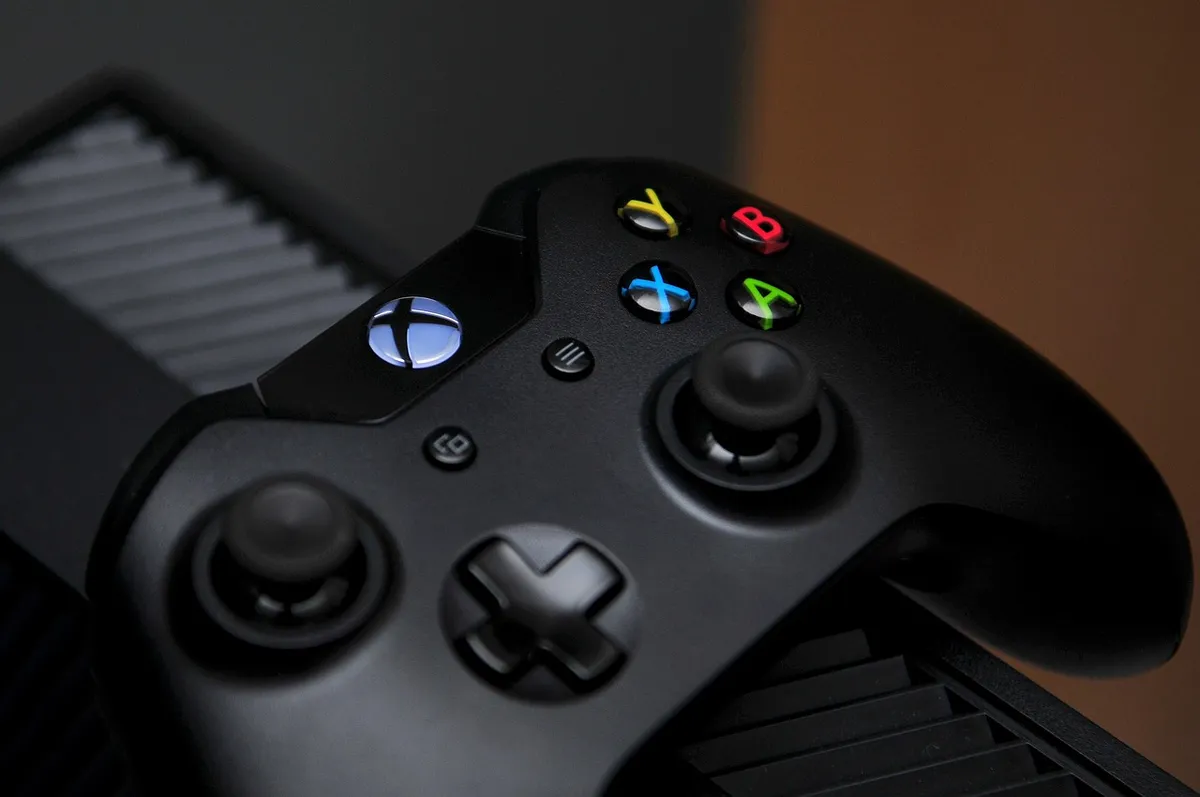
A person looks at a single controller, realizing it cannot replace the need for specialized mounting hardware for some users.
The effectiveness of the system depends on the specific physical needs and the available auxiliary hardware. A limitation of this setup is that it requires compatible external switches or accessories to function as intended for specific disabilities.
The primary limitations include the physical space required for multiple peripherals and the potential for input lag when using many daisy-chained devices. Additionally, some games may have menu structures that are difficult to navigate even with highly customized hardware.
Related
- Crossplay platform differences: Best tips for player choice
- PC vs Console Performance: How to Guide Your Setup
When should a user consider modifying the default settings? When the initial setup does not allow the user to comfortably achieve the desired level of input response, modification becomes necessary. The goal is to refine the interaction so that the act to play feels intuitive. If the initial sensitivity settings result in unintended actions, the user should proceed to adjust those parameters. This refinement process ensures that the physical action matches the intended in-game effect.
What conditions affect the integration of external hardware? The successful integration of external hardware depends on the compatibility between the accessory and the controller's expansion ports. If the hardware lacks the correct interface, the controller cannot translate the input into game commands. A caution exists that improper cable routing can introduce tension, which compromises the reliability of the entire setup, thus hindering the ability to play.
The flexibility inherent in the controller allows the user to tailor the experience, making the goal of natural interaction achievable for many individuals. This customization moves the focus from the limitations of the body to the potential of the game itself.
The ability to adapt the input mechanism is what truly elevates the experience.
Proper management of the control setup ensures that the physical arrangement supports the desired flow of play. Keeping similar inputs grouped aids in maintaining an organized workflow during extended sessions. This organization supports the overall goal of a seamless gaming experience.



Comments 0