Steam Game Buying Guide: Know If You're Testing or Buying
Don't buy into a game before you know if you're paying for a finished product or a development milestone.
Purchasing a new title on Steam is often an emotional decision, driven by a cinematic trailer or a sudden surge in community hype. However, the difference between a polished masterpiece and a functional prototype can be the difference between hours of joy and weeks of troubleshooting.
Key Takeaways: * Distinguish between Alpha, Beta, and Early Access to understand what you are actually buying. * Research developer communication channels to gauge how much the current build reflects the final vision.
* Verify if the purchase is for a finished product or a participation in a live testing phase. * Use community feedback and developer transparency as your primary due diligence tools.
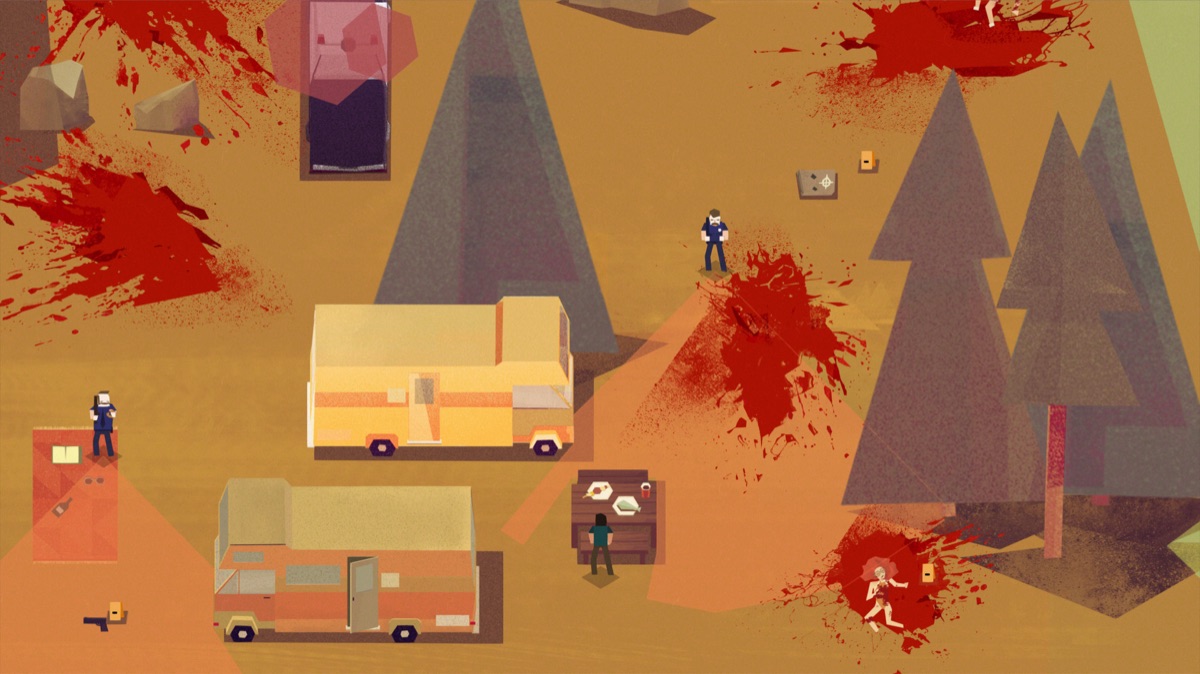
Is This Game Fully Polished, or Is It Still in Testing?
The cursor hovers over the "Add to Cart" button on a Steam store page, where the graphics look breathtaking and the combat looks fluid. You click, the download finishes, and within ten minutes, the game crashes because a vital texture fails to load.
The confusion usually stems from not knowing the development stage. An Alpha build is often an internal testing phase where the core mechanics are being tested, but the world is empty. In an Alpha, you might find that 80% of the assets are placeholder blocks rather than trees or buildings.
A Beta is a wider testing phase where the game is more complete but still lacks "polish"—it might have bugs, but the features are mostly there. A Release Candidate is the stage where the game is near final and is being tested for stability before the official launch.
When you see "Early Access" on Steam, you aren't just buying a game; you are buying a seat at the development table. In this context, the game is functional but incomplete. It might lack endgame content, certain story branches, or optimized performance.
To avoid frustration, always check the Steam store page description for specific milestones. If a developer says they are in "Closed Beta," they might only be looking for specific hardware testers. If they say "Early Access," they are likely looking for players to help shape the through play.
But knowing the stage is only half the battle; you also have to understand how that stage affects your actual hardware.
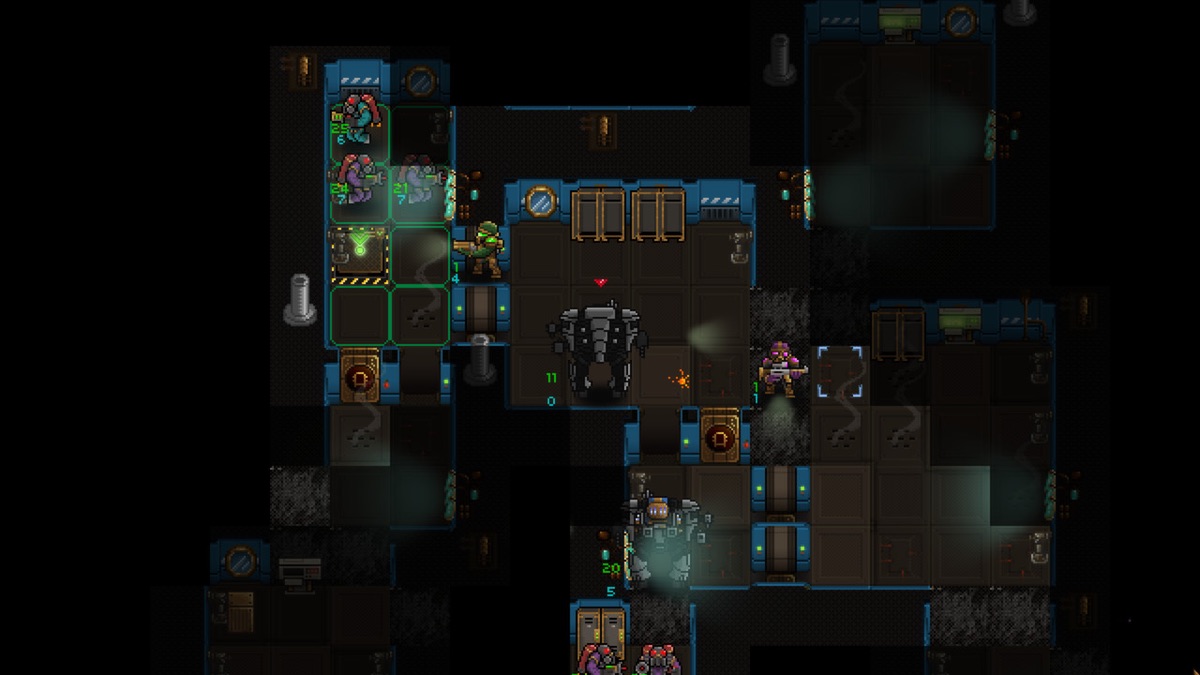
What Does "Testing" Actually Mean for the Player?
A player sits in a dark room at 2:00 AM, watching a character model clip through a wall where a solid door should be. They realize that the feature they loved yesterday might be gone tomorrow because the developer decided to rewrite the engine.
When a game is in a testing phase, features are subject to sudden removal or drastic changes. A developer might realize a certain weapon or mechanic breaks the game's balance and decide to scrap it entirely.
This is the cycle of iteration: the developer receives feedback, realizes a design path is a dead end, and pivots. In a 10-hour play session, you might see a feature appear for 2 hours and then vanish entirely.
A "playtest" is a snapshot in time, whereas a "guaranteed feature set" is a promise of what will be in the final release. It is easy to mistake a temporary feature for a permanent one.
It is also important to recognize hows the landscape has changed; for instance, Valve reported that in February 2017, the second Discovery update increased the number of games shown to users on the front page by 42%, leading to more conversions into sales.
This growth in visibility means more players are entering the "testing" loop than ever before. If you aren't careful, you might end up paying full price for a product that is only 50% complete.
How Can I Verify the Game's Development Status Before Buying?
A developer posts a weekly update on Discord, and within minutes, hundreds of players are debating whether the new patch fixed the lag or made it worse. You watch the conversation, trying to decide if the developers are actually listening.
The most effective way to verify a game's status is through developer communication. Check their Devlogs, their official Discord, and their Twitter/X feeds. Are they talking about bugs and technical hurdles, or are they only talking about marketing?
A transparent developer will admit when a build is unstable. If they claim 100% stability in an Alpha, they are likely being dishonest.
On the Steam page, look at the "Updates" tab. Has the developer clearly defined the current build's purpose? If the updates are frequent and address community concerns, the game is likely in an active, healthy development cycle.
The addition of services like Greenlight and Direct accelerated the number of games on Steam, with nearly 40% of the 19,000 games on the service in late 2017 being released that same year. This volume means you must be more discerning about the quality of the "new" games appearing in your feed.
However, even with perfect communication, there are financial risks that no amount of reading can fully mitigate.
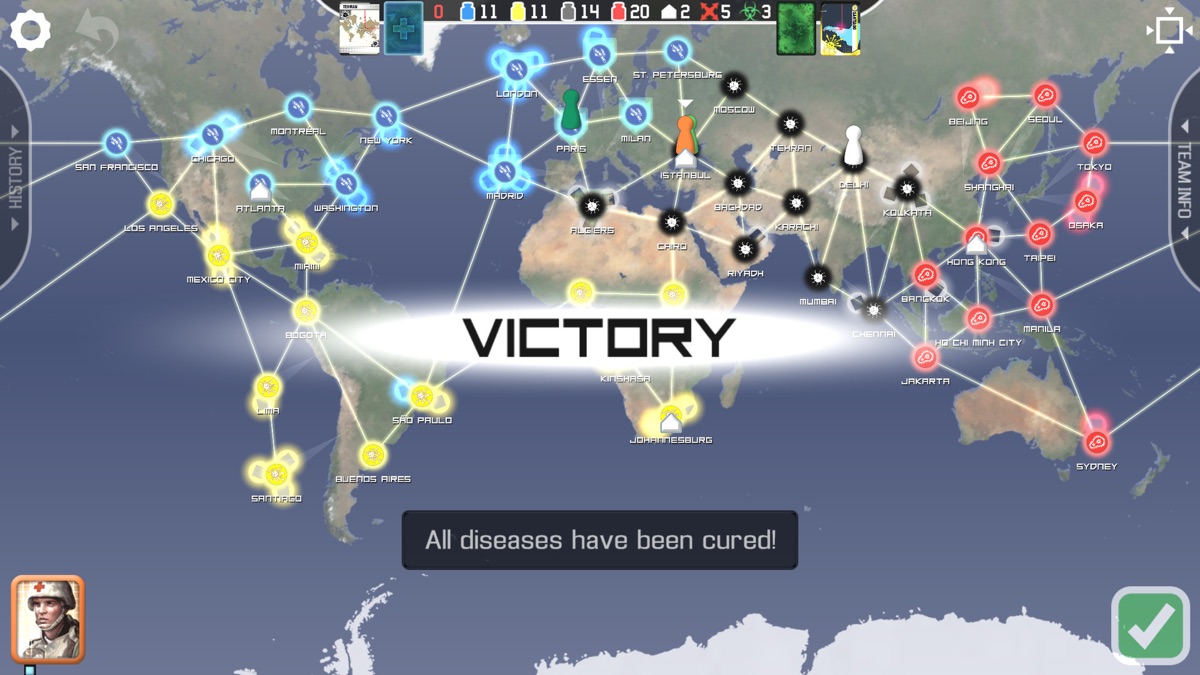
Are There Hidden Costs or Conditions to Buying a "Testing" Build?
A player opens their library only to find that the "Early Access" version they bought doesn't include the multiplayer mode they were promised for the full release. They check the refund policy, only to find the window has closed.
You must clarify if your purchase grants access to a specific build or a "Day One" version. Sometimes, an Early Access purchase is a gateway to the full game, while other times, it is a separate, limited version. There can also be limitations on server stability or content unlocks in early builds.
Success in the modern market is often measured by specific milestones. For example, in 2016, more games were meeting a metric of success defined by Valve as selling more than $200,000 in revenues in their first 90 days of release.
If a game hits these numbers, it might shift from "testing" to "full release" rapidly, changing the support level you receive. Always check the refund policy; if you buy a testing build, you are often agreeing to a certain level of instability in exchange for a lower price or early access.
| Feature | Alpha Stage | Beta Stage | Early Access / Full Release |
|---|---|---|---|
| Primary Goal | Core Mechanic Testing | Feature & Bug Testing | Content Expansion / Polishing |
| Stability | Very Low | Moderate | High (in Full Release) |
| Content Volume | Minimal | Substantial | Complete or Expanding |
| Player Role | Bug Finder | Stress Tester | Core Player / Community |
But even if the money is right, the timing of the release can change everything.
What Does the Release Date Say About the Game's Readiness?
A countdown timer on a website ticks toward midnight, but the developers are silent, and the community is nervous about whether the servers will hold. According to RAWG, the game was released on 2020-03-11.
A specific launch date suggests a defined endpoint, but it is not a guarantee of perfection. It is a target. Contrast this with an "Ongoing Development" model, where there is no end date, only a constant stream of new content.
A fixed date might mean the developers are pushing to meet a milestone, which can sometimes lead to bugs being overlooked in the rush to release. In the final 48 hours before a launch, technical debt often piles up.
When evaluating a build, consider if the release is tied to a specific platform or if it is a universal client. A build might be optimized for a specific hardware configuration, and moving to another might cause issues.
Always look at the history of the developer: do they hit their dates with stable builds, or do they delay frequently?
| Step | Action | Why It Matters |
|---|---|---|
| 1 | Check the Steam "About" Section | It defines if the game is Early Access or Full Release. |
| 2 | Read the most recent Developer Update | It tells you what the current build is capable of. |
| 3 | Scan Community Forums/Discord | It reveals the "real" bugs that aren't in the marketing. |
| 4 | Verify the Refund Policy | It protects your money if the build is too broken to play. |
I once bought a highly anticipated sci-fi RPG during its first month of Early Access. The trailers showed massive space battles, but when I launched the game, the planets were empty shells with no NPCs and no flight mechanics.
I had paid for a "game," but I had actually bought a beautiful, empty hallway. Now, I always check the "Last Updated" date and the community's reaction to the latest patch before I click buy.
The trade-offs of buying early are clear: you get lower prices and the ability to shape the game, but you risk bugs and missing features. This approach does not apply to players who require a seamless, cinematic experience with no technical interruptions.




Comments 0